
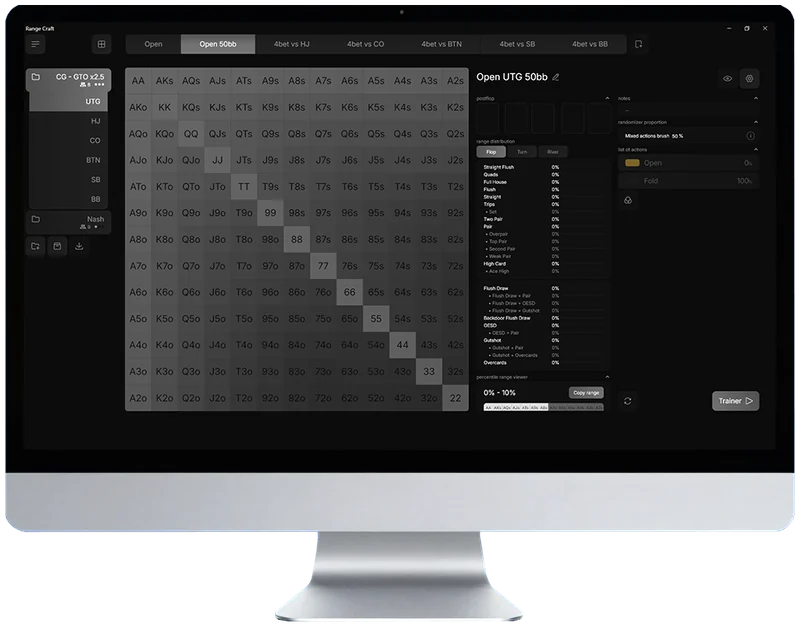
Range Builder
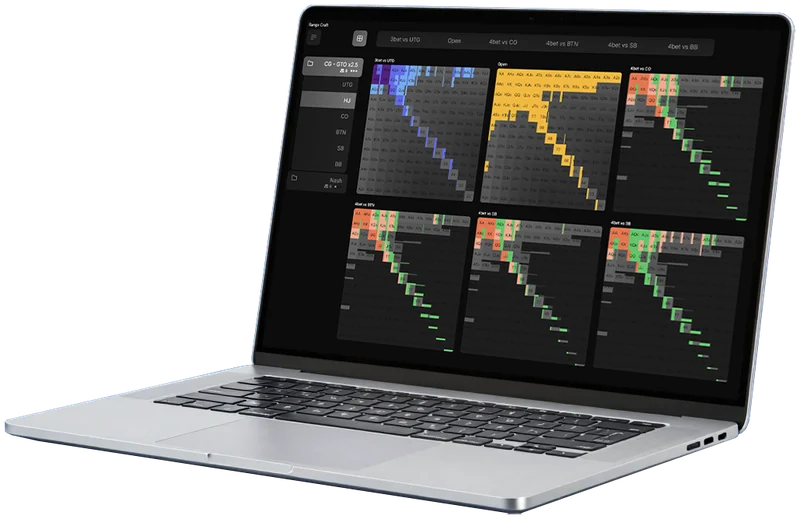
Custom preflop charts & mixed strategies

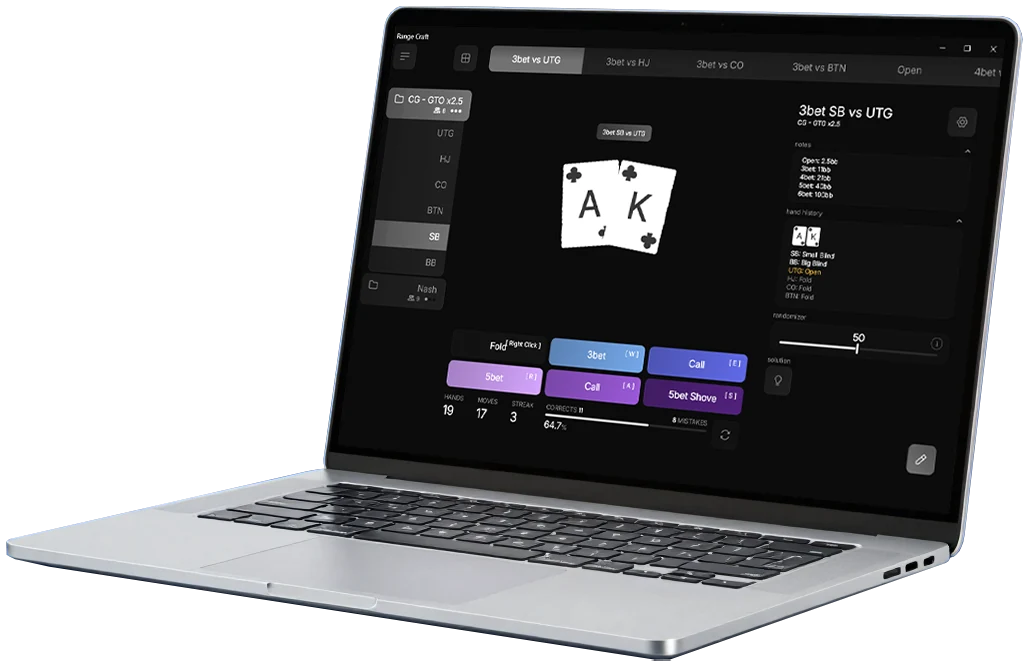
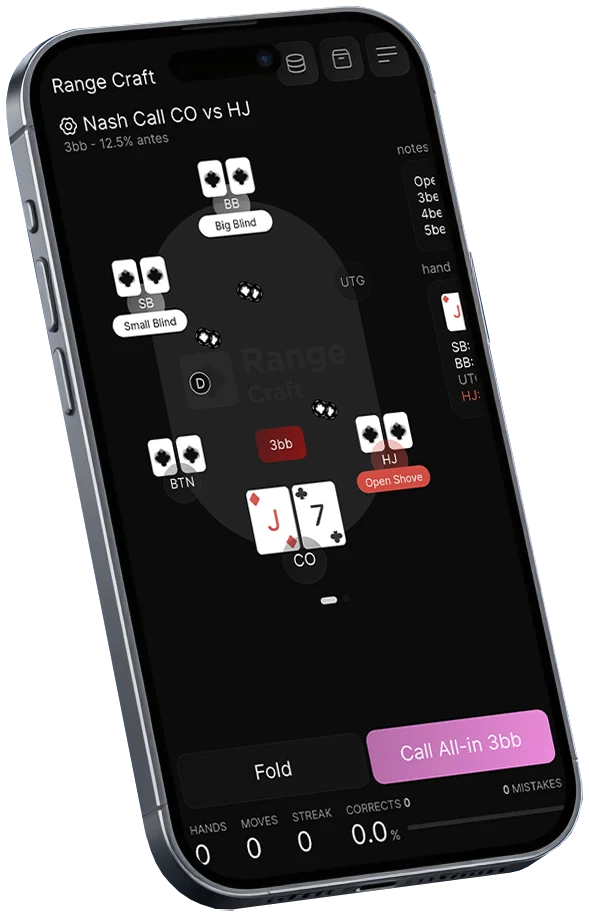
Run drills on your own ranges. Practice against every position, focus on high-impact hands and track your results with advanced performance stats.
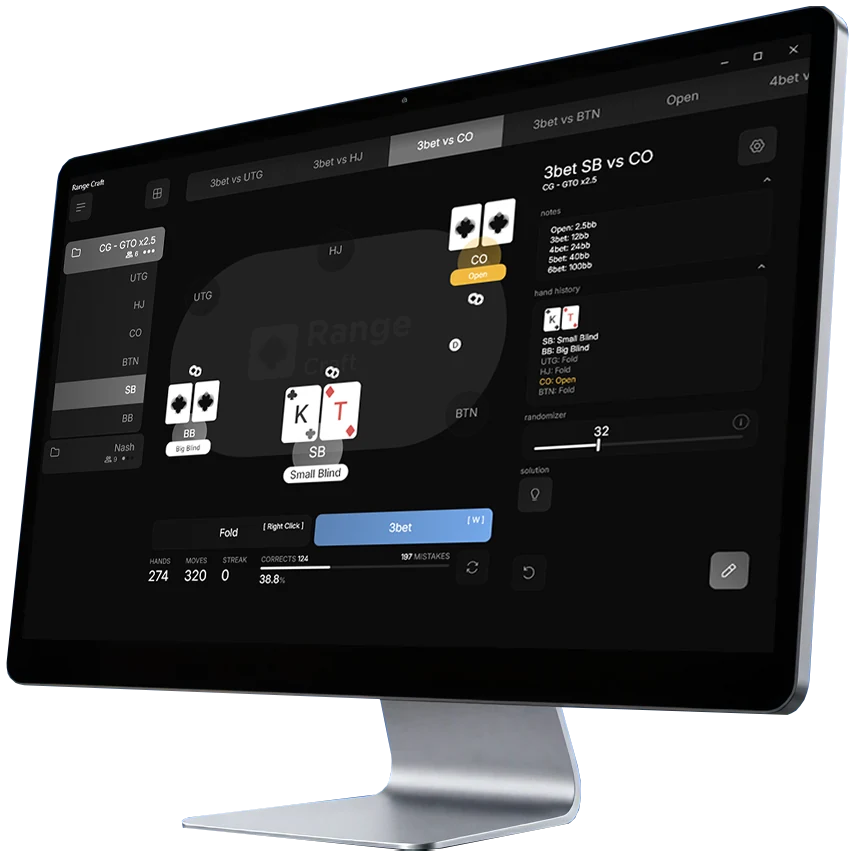
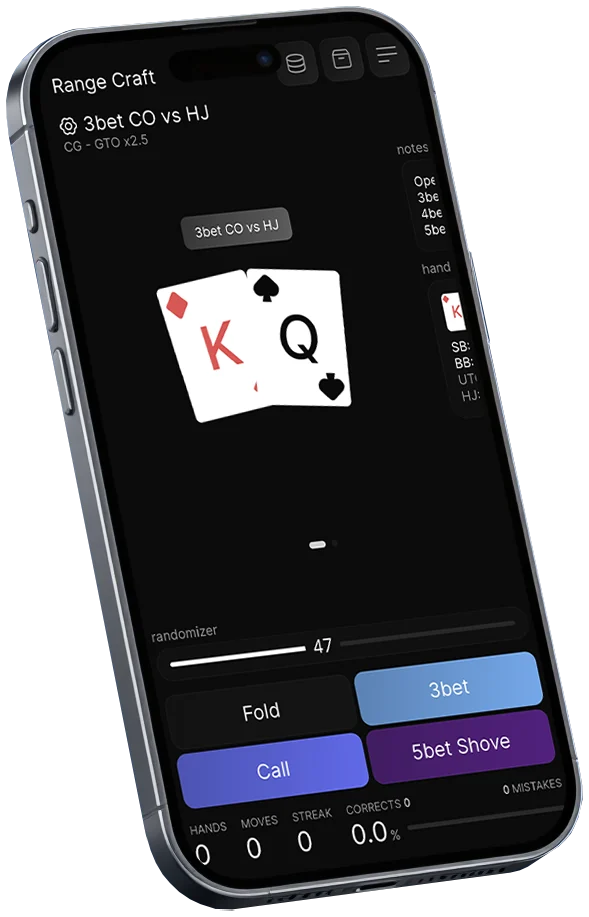
Train on spots built from your own ranges, for every position.
A time bank makes you decide quickly, like at the table.
Performance stats show how your decisions improve over time.
Knowing a chart and applying it in real time are two different skills. At the table you have seconds to act while tracking stacks, reads and table dynamics. Drilling turns your preflop decisions into reflexes, so your attention is free for the decisions that really need it.
Choose how you want to train. Realistic puts you at a full table with positions, stacks and the action before you. Memorization shows only your cards, to drill the chart itself. Drawing gives you an empty range to paint again from memory. Nash drills the push and call charts.
A mistake you never see again is a mistake you will make again. The Range Trainer keeps the hands you got wrong and lets you replay them, so you spend your time on the decisions you actually miss instead of the ones you already know.
Most trainers quiz you on a standard GTO solution that is not the one you play. The Range Trainer builds every question from your own ranges: your sizings, your exploits, your mixed frequencies. Every repetition reinforces the exact strategy you bring to the table.
The solution chart can stay visible next to the table while you learn a new spot. Once the answers come easily, hide it and play the drill blind: that is when you find out what you really know.
Every answer button shows its shortcut, so you can answer with one key or a right click. Fast inputs let you play dozens of hands in a few minutes, and short daily sessions build reflexes faster than one long session a week.
A complete toolkit
Custom preflop charts & mixed strategies
Already pre-made ranges from the community
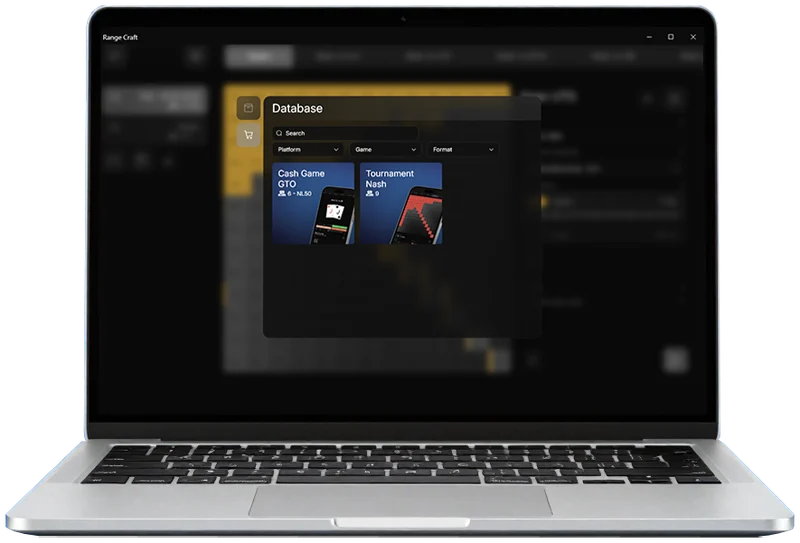
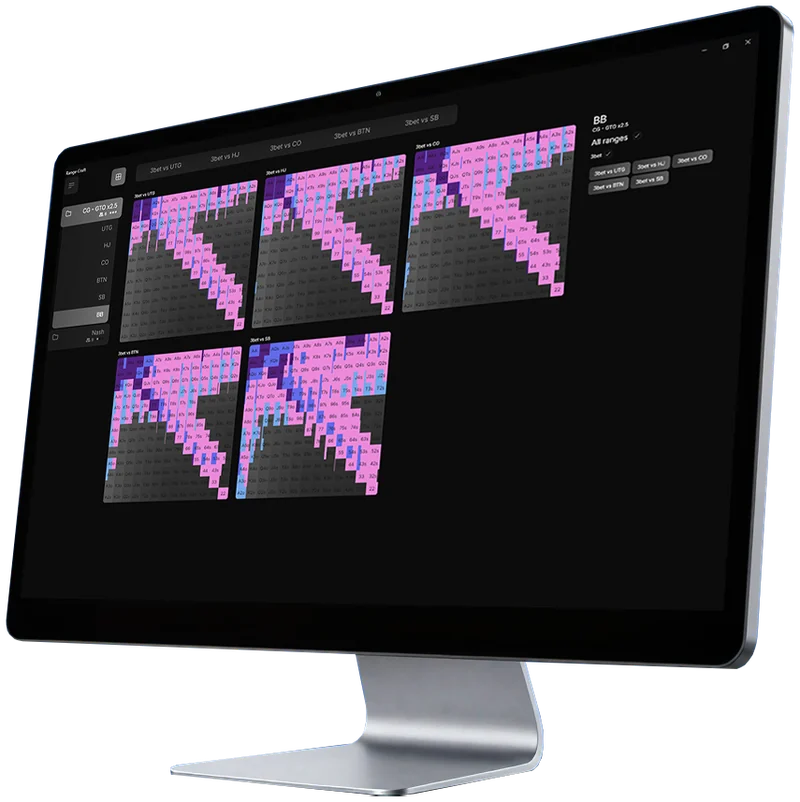
See all your strategies at a glance
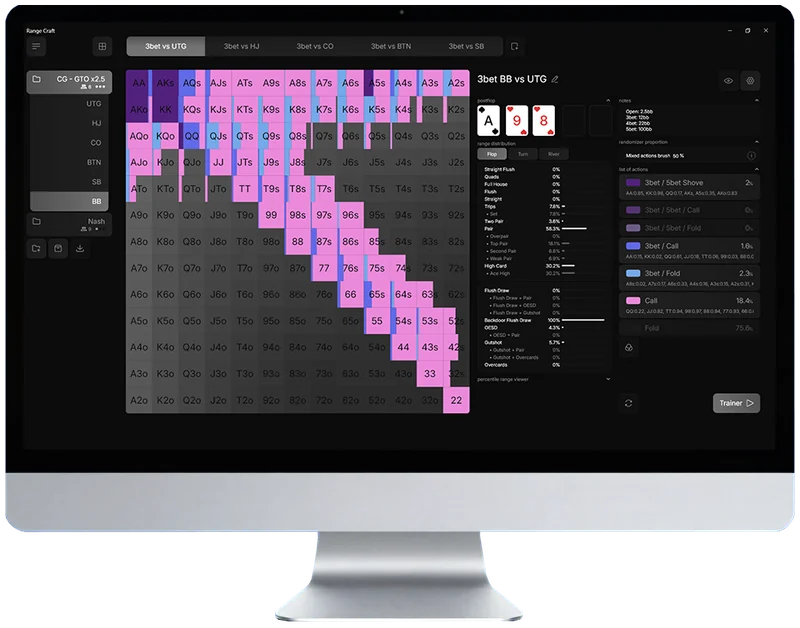
Board evolution street by street
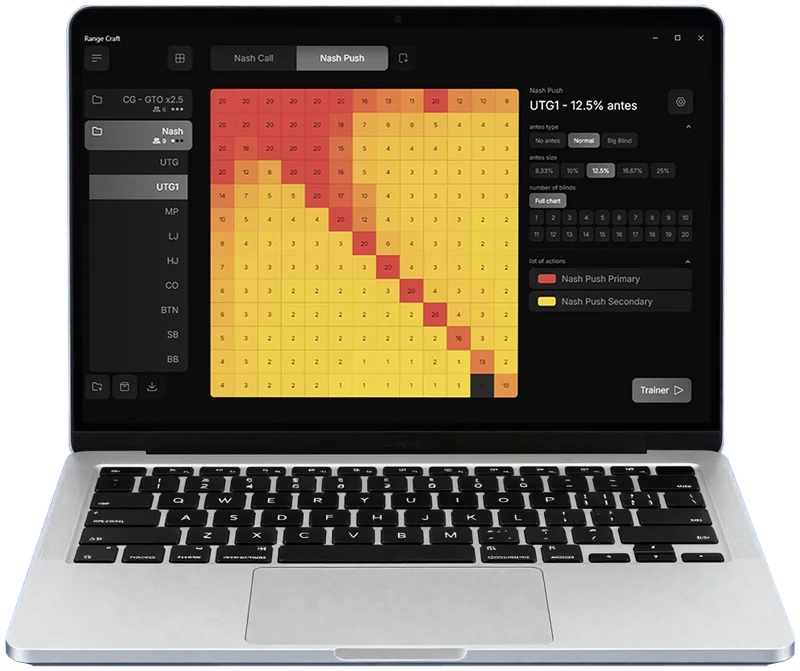
+13,000 solved short-stack spots
Export & share charts
Premium - your ranges on every device
See the 8 tools of Range Craft and how they work together
Start building your ranges today.